API usage in Trident
Sometimes, Trident will require the use of MCC Island's API to get some information about the user.
Currently, only one feature requires API access: the Exchange Module.
There are two API providers in Trident:
- Trident Web (default, recommended)
- Bringing your own API token from Gateway
We generally recommend using Trident Web because it requires no setup. However, using your own token gives you more control and faster responses.
Trident Web (Recommended)
This option is enabled by default and requires no setup. Note that this is slower than using your own token and might stop being maintained in the future.
Responses from MCC Island's API are not collected by Trident Web.
Bringing Your Own Token from Gateway
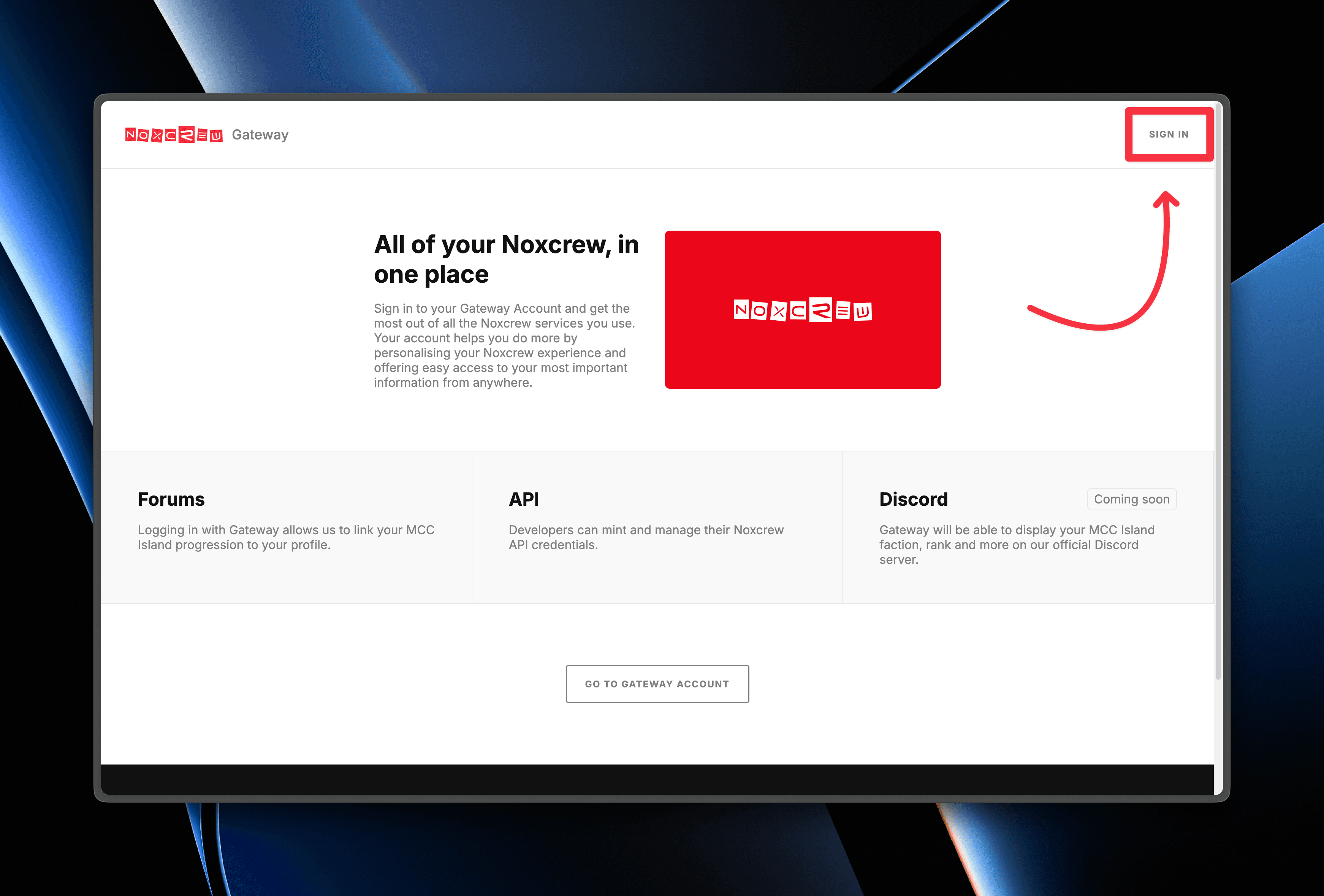
Step 1: Sign In
Visit https://gateway.noxcrew.com and sign in with your Microsoft account.
Step 2: Create an API Token
After logging in, you’ll be redirected to your profile page. Scroll down to the Developers section.
Click the CREATE KEY button. This will generate a new API token, which you can copy directly to your clipboard.

Once you’ve copied the token, continue to the next step.
Step 3: Add the Token In-Game
With the token copied, you’ll need to add it in-game.
- Join MCC Island
- Run the following command, replacing the placeholder with your token:
/trident api setToken REPLACE_THIS_WITH_TOKENYour command should look similar to this:

Double-check that everything is correct, then send the command. You should see a confirmation message. Your API provider in the config will be automatically changed to "Token"
Caution
Your token is stored as plaintext in the config file of Trident. DO NOT SHARE your config file with anyone if you're using this option.
If you wish to share your config, make sure you run /trident api resetToken to remove your token.